
What’s Included
Built to be easy to buy, not hard to understand.
For small and mid-sized businesses, the decision should be simple: are your people supported, your devices protected, your systems maintained, and your network secured?
Users
Your employees get the right access, support, and protection from onboarding through offboarding.
Workstations
Your team’s computers stay monitored, updated, patched, and protected so work does not slow down.
Servers
Your business systems are monitored and maintained behind the scenes so critical infrastructure is not left unchecked.
Firewall
Your network has a managed layer of protection that stays configured, updated, monitored, and supported.
Four foundational areas. One easy-to-understand managed IT model.
Users include:
Helpdesk support, user setup, Microsoft 365 or Google Workspace administration, security awareness training, and access management.
Workstations include:
PC and Mac monitoring, endpoint protection, patching, vulnerability scanning, DNS filtering, and privileged access management.
Servers include:
Server monitoring, remote support, endpoint protection, patching, vulnerability scanning, and reporting.
Firewall includes:
Fortinet management, monitoring and alerting, remote support, firmware updates, and patch management.
Pricing that makes sense for your business
Your monthly price is based on your users, devices, servers, and firewall needs. After the assessment, you get one clear number for the right level of coverage.
Why Small Businesses Choose Secur-Serv
When IT gets messy, everything feels harder.
For many businesses, IT does not break all at once. It starts as small delays, workarounds, surprise costs, and unanswered questions. Over time, those gaps create risk across the business.
New hires wait days for IT setup
They need a laptop, email, software access, passwords, permissions, and someone to make it all happen.
No one person owns the IT stack
One person handles the printer. Someone else knows the passwords. Another person calls the vendor.
Unpredictable IT Costs
Some months are quiet. Other months come with a surprise repair, emergency support call, or replacement cost you did not plan for.
IT slows down decisions, not just operations
You’re holding off on hiring or expanding because you’re not sure IT can handle it.
Too much depends on one person
When they are out of the office, everything waits. That’s not a system, that’s a dependency
You are not sure what is actually protected
Backups, updates, permissions, and device protection are easy to overlook until something goes wrong.
Need cybersecurity without full managed IT?
Not every business is ready to outsource all of IT. But every business still needs the basics covered: protected devices, safer users, stronger Microsoft 365 security, and reliable backup for critical business data.
Includes endpoint security with SOC monitoring, DNS filtering, employee security training, Microsoft 365 security, and Office 365 backup with 10-year retention.
Real Questions. Real Answers.
If you’re thinking it, you’re not the only one.
Choosing managed IT can feel like a big decision. These are the questions small and mid-sized businesses usually ask before they make the move.
“We already have someone who handles IT.”
Good. This does not have to replace them. It gives them backup, tools, monitoring, security support, and a team behind them so everything does not fall on one person.
“We haven’t really had any problems.”
That may be true. The goal is to keep it that way. Managed IT helps catch issues earlier, keep systems updated, and reduce the chance of a small problem becoming an expensive one.
“We’re not sure we can afford it.”
That is why the assessment comes first. Once your users, devices, servers, and firewall needs are reviewed, you get one clear monthly number before making a decision.
“We might be too small for managed IT.”
Many businesses reach this point before they realize it. If your team depends on technology every day, managed IT can help bring structure, support, and security before things get messy.
“We want someone local.”
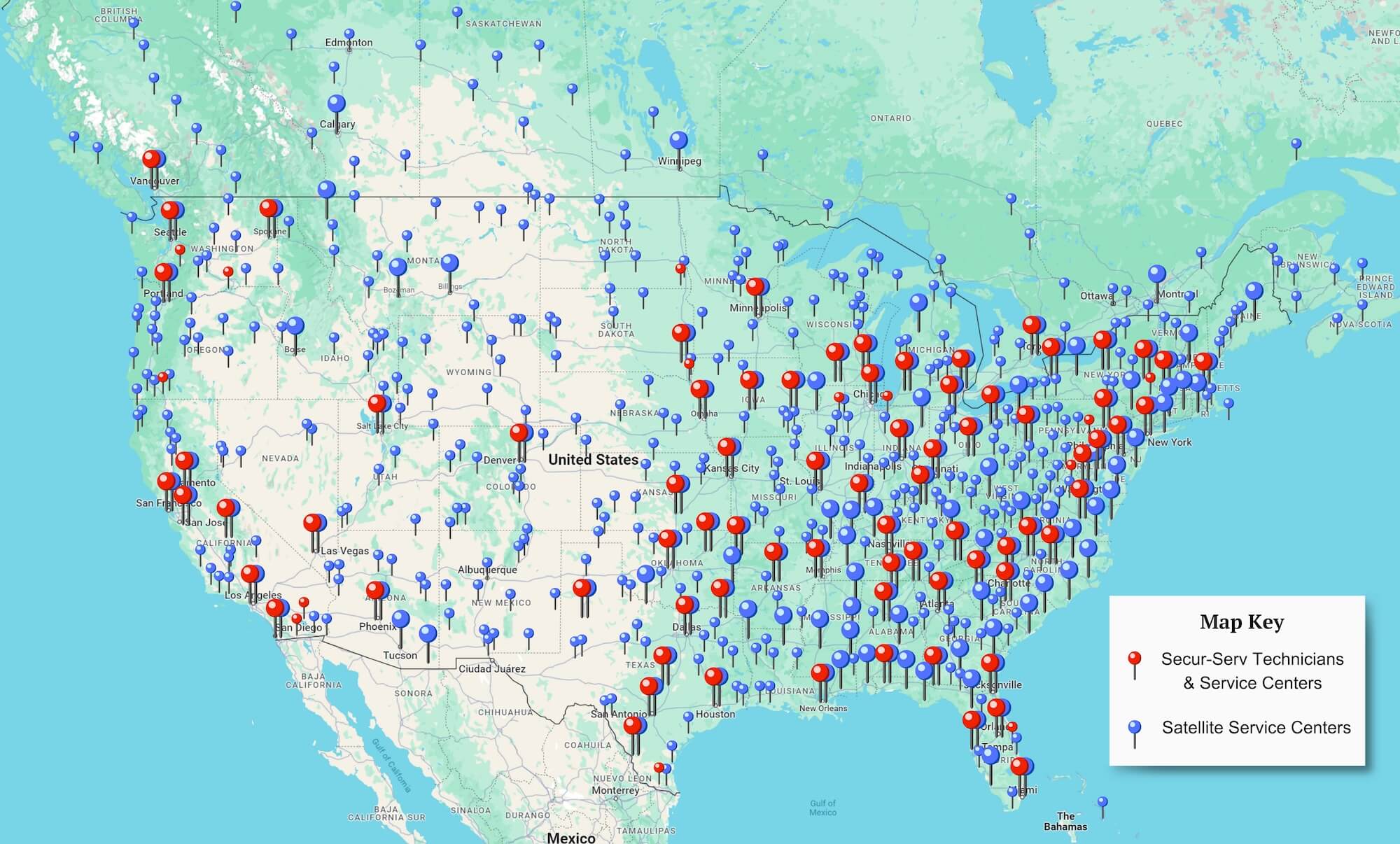
You want support that knows your business and can show up when needed. Secur-Serv gives you both: a dedicated team, plus nationwide field technicians for onsite support.
“Our setup is a mix of different systems.”
That is normal. Most SMB environments include a mix of Windows, Mac, Microsoft 365, Google Workspace, servers, vendors, and cloud tools. We help you make sense of what you have.
Onsite repair services by local technicians
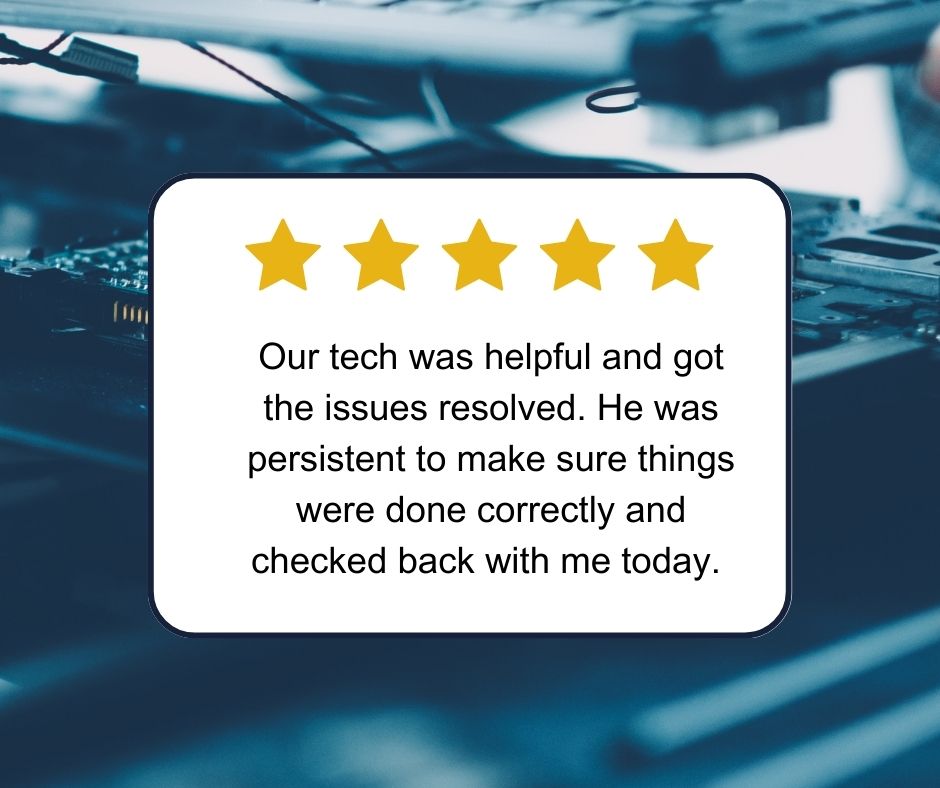
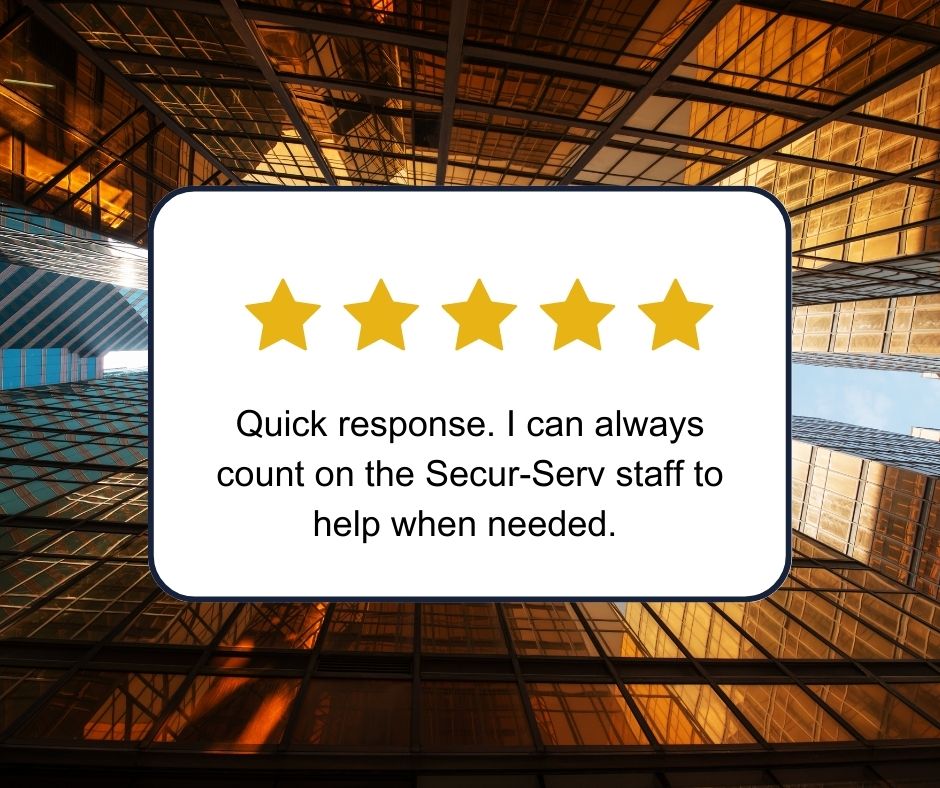
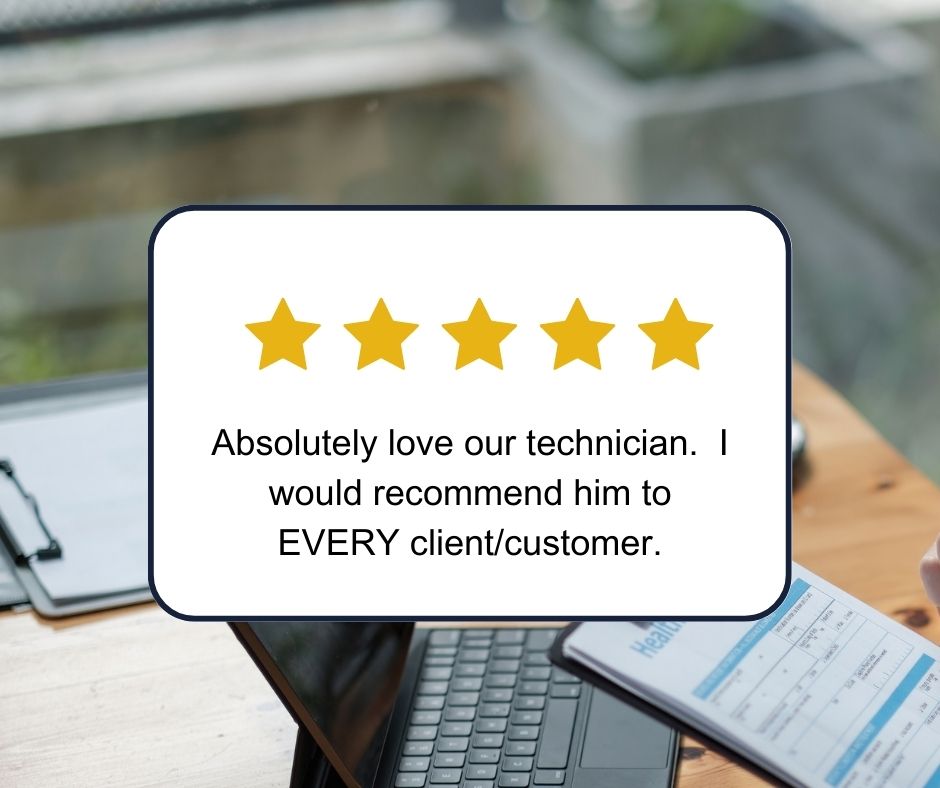
Our Customer Experience
Common Questions
Answers about managed IT for SMBs.
Choosing managed IT should not feel confusing. Here are the questions small and mid-sized businesses often ask before making a decision.
What managed IT services does a small business need?
Most small businesses need support for users, workstations, servers, cybersecurity, Microsoft 365 or Google Workspace, backups, patching, and network protection.
For growing SMBs, Secur-Serv focuses on four core areas first: users, workstations, servers, and firewall management. That gives your business a simple managed IT model without having to sort through a long list of add-ons.
How does managed IT help a growing small business?
Managed IT helps a growing small business keep employees supported, devices updated, systems monitored, and security risks easier to manage.
As your business adds more people, software, and devices, informal IT support usually becomes harder to keep up with. Managed IT creates a more consistent way to handle setup, support, patching, monitoring, and day-to-day technology needs.
What cybersecurity does a small business need?
A small business should have endpoint protection, patch management, firewall management, DNS filtering, email and Microsoft 365 security, backup, access controls, employee security training, and monitoring for suspicious activity.
These basics help protect the people, devices, systems, and data your business relies on every day.
How much does managed IT cost for a small business?
Managed IT pricing is usually based on the number of users, devices, servers, locations, and services needed. Some providers charge per user, per device, per server, or a combination of those.
Secur-Serv uses flat per-user and per-device monthly pricing after a free assessment, so your business gets one clear monthly number based on your actual environment.
What is the difference between managed IT and break-fix IT support?
Break-fix IT support means your business calls for help after something breaks, then pays for the time or repair.
Managed IT is ongoing support, monitoring, maintenance, and security for a predictable monthly cost. For growing businesses, managed IT is usually a better fit because it helps prevent issues instead of only reacting after they disrupt your team.
Can managed IT work with an internal IT person?
Yes. Managed IT can support an internal IT person by giving them extra help, monitoring, security tools, helpdesk support, and coverage when they are busy or unavailable.
For many small and mid-sized businesses, managed IT does not replace internal IT. It gives that person or small team more support and a stronger system behind them.
Do small businesses need a long-term managed IT contract?
Managed IT agreements often include a contract because the provider is taking responsibility for ongoing support, monitoring, security, and service delivery.
At Secur-Serv, contract terms are designed to be clear and flexible based on the needs of the business. The goal is to create the right level of support without forcing a structure that does not fit.
Ready to see what managed IT would look like for your business?
Start with a free assessment. You will get a clearer view of your users, devices, servers, firewall needs, and monthly pricing options.
“`